RealValue was created in my Web & Mobile App Design & Development Post-Degree Diploma. I needed to deliver a B2B, responsive desktop application in 13 weeks through weekly sprints using the Agile approach, in a team with three designers more and three developers. This is what we created:

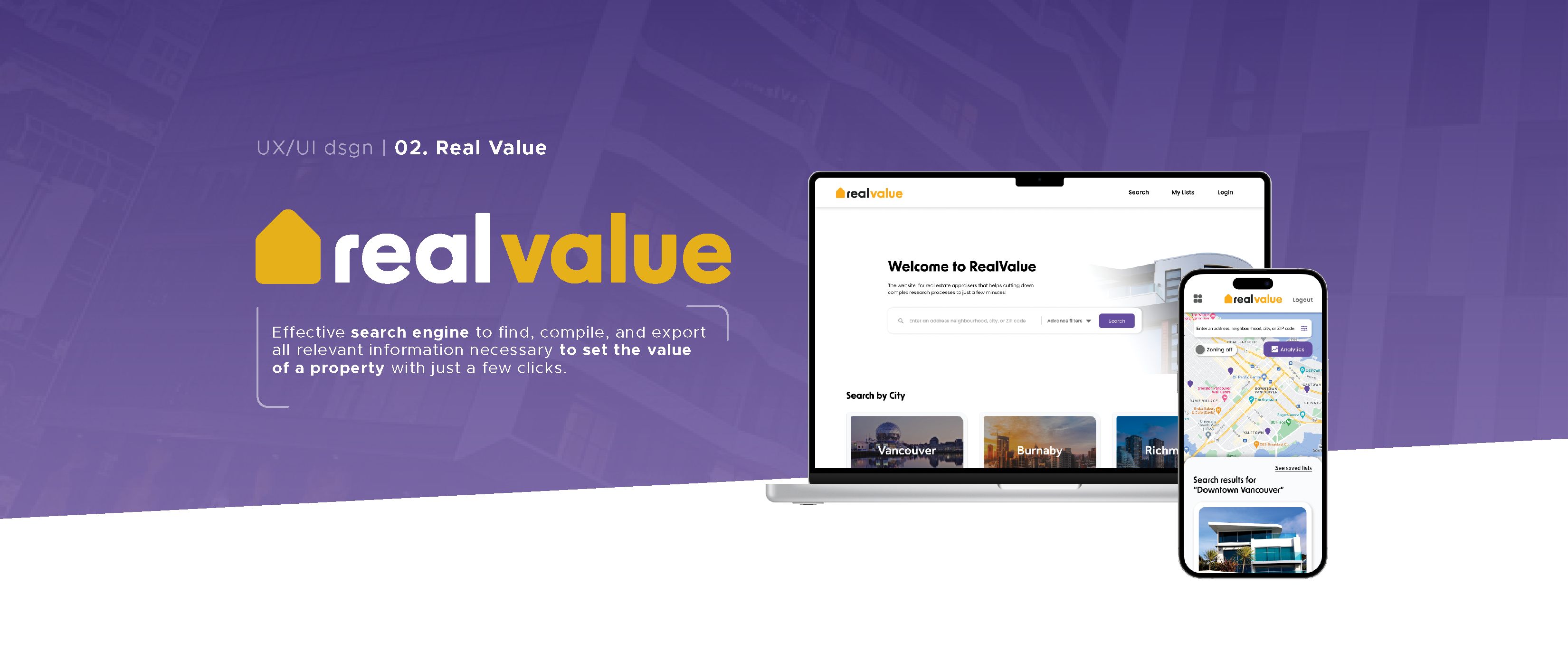
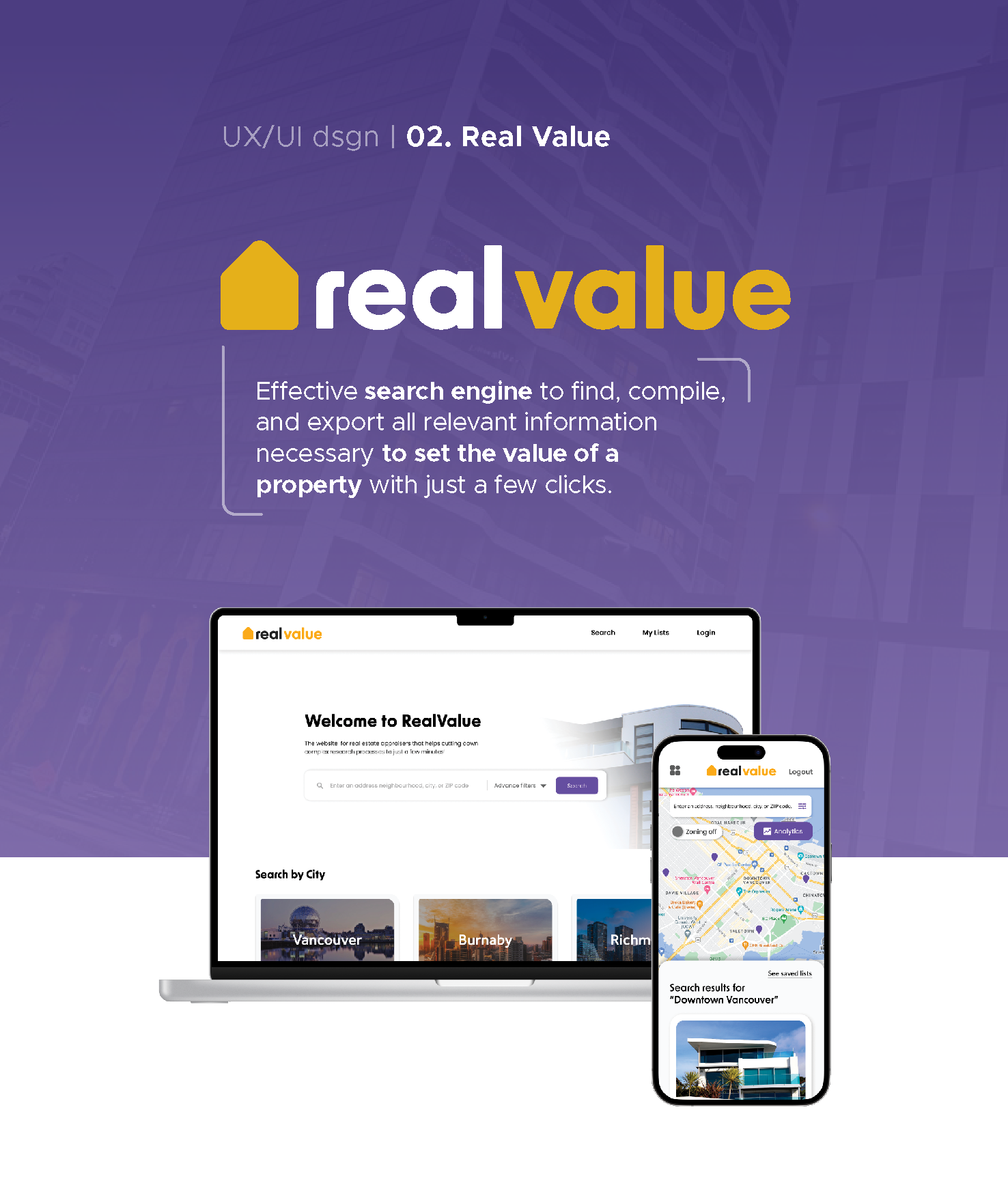
Real Value is a responsive web application that provides an effective search engine to find, compile, and export all relevant information to set the value of either a commercial or residential property with just a few clicks.
With Real Value, Real Estate Appraisers are able to cut down their research processes from hours to just minutes.
To get started, we (the designers) created moodboards that transmitted the concepts Trustworthy, Analytical, Efficient, and Time Saving.
Take a closer look at how Real Value works, and how I contributed to its creation!
My Roles
Project Management | UX Research & Design | UI Design | Brand Design | Photography | Project Presentation.
Team
- 4 Designers.
- 3 Developers.
Duration
- 13 Weeks.
Tools & Methodologies
Figma | Illustrator | Photoshop | Trello | Zoom.
Competitor
Analysis | User Interviews | Low-Fidelity & High-Fidelity Wireframing | Prototyping | Usability
Testing (Card Sorting Method).
Project Proposal
- 100% Designed By Me! (Click here or the title to view).
Website
- Click here or the title to view.
- The App -
1. Looking For Information
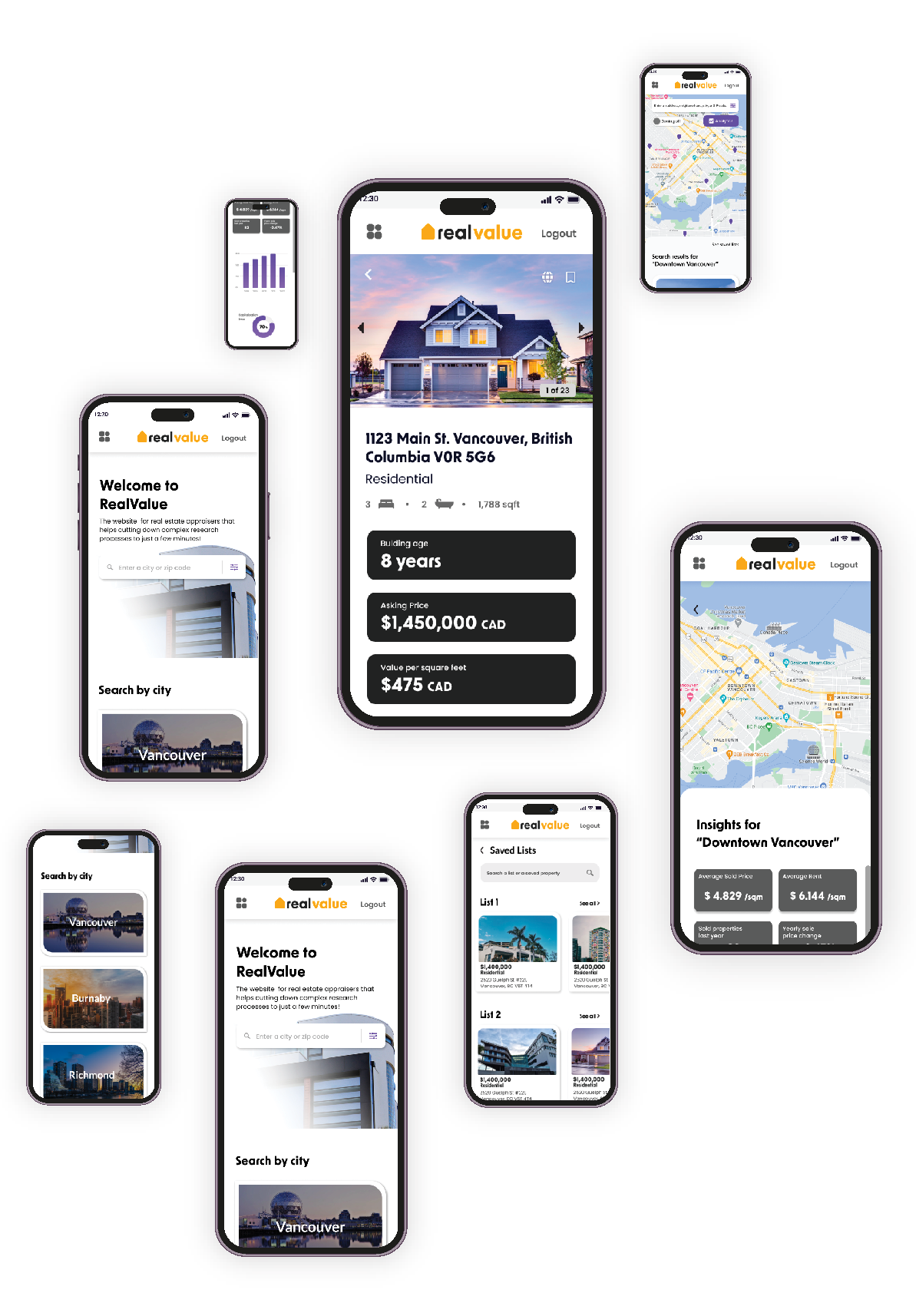
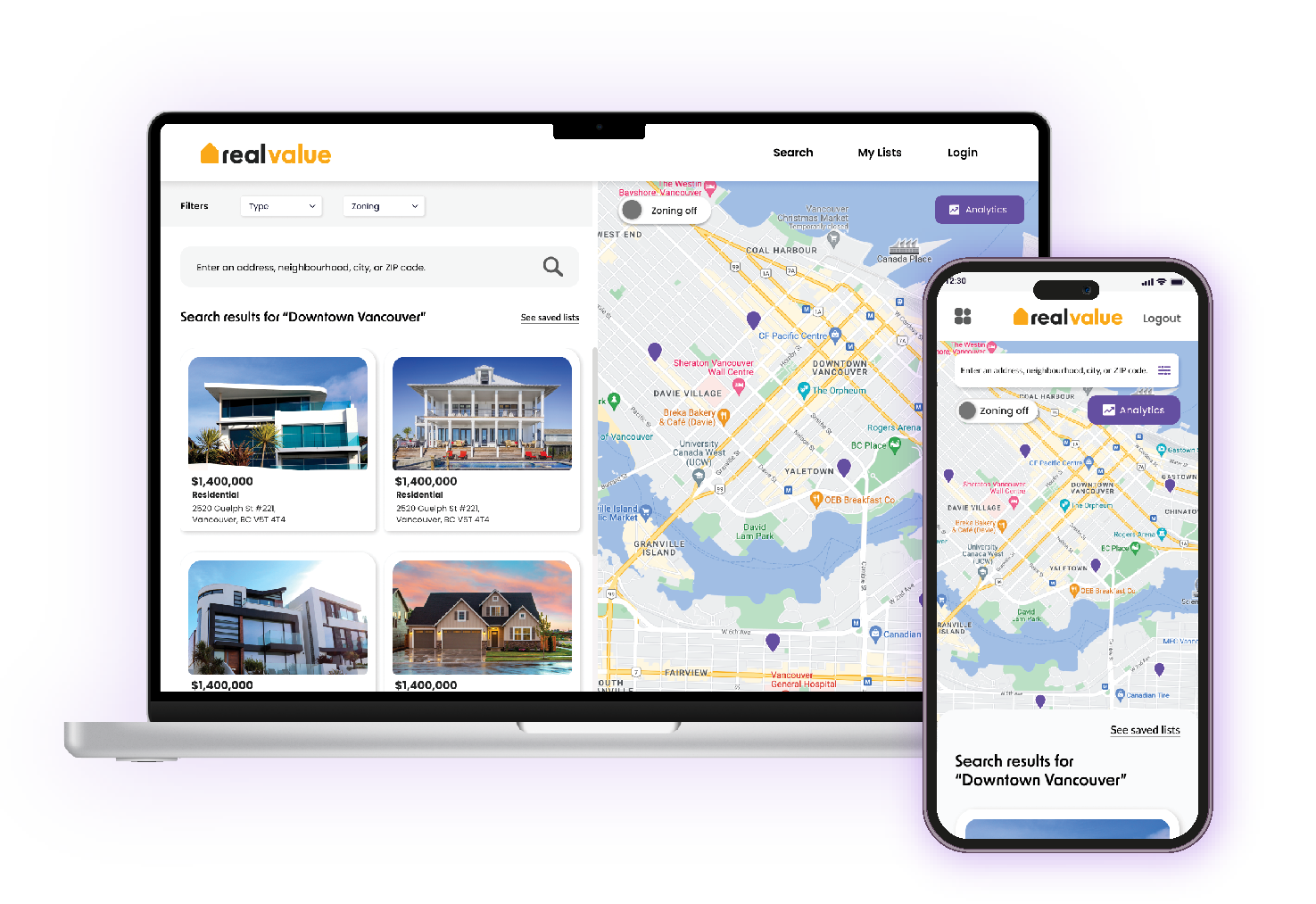
Users are able to easily find properties on sale in Canada by visualizing them on an interactive map with the most relevant information highlited for them, as well as access to the propertie's website and analytics for the area, with zoning regulations as well...
2. Saving The Information
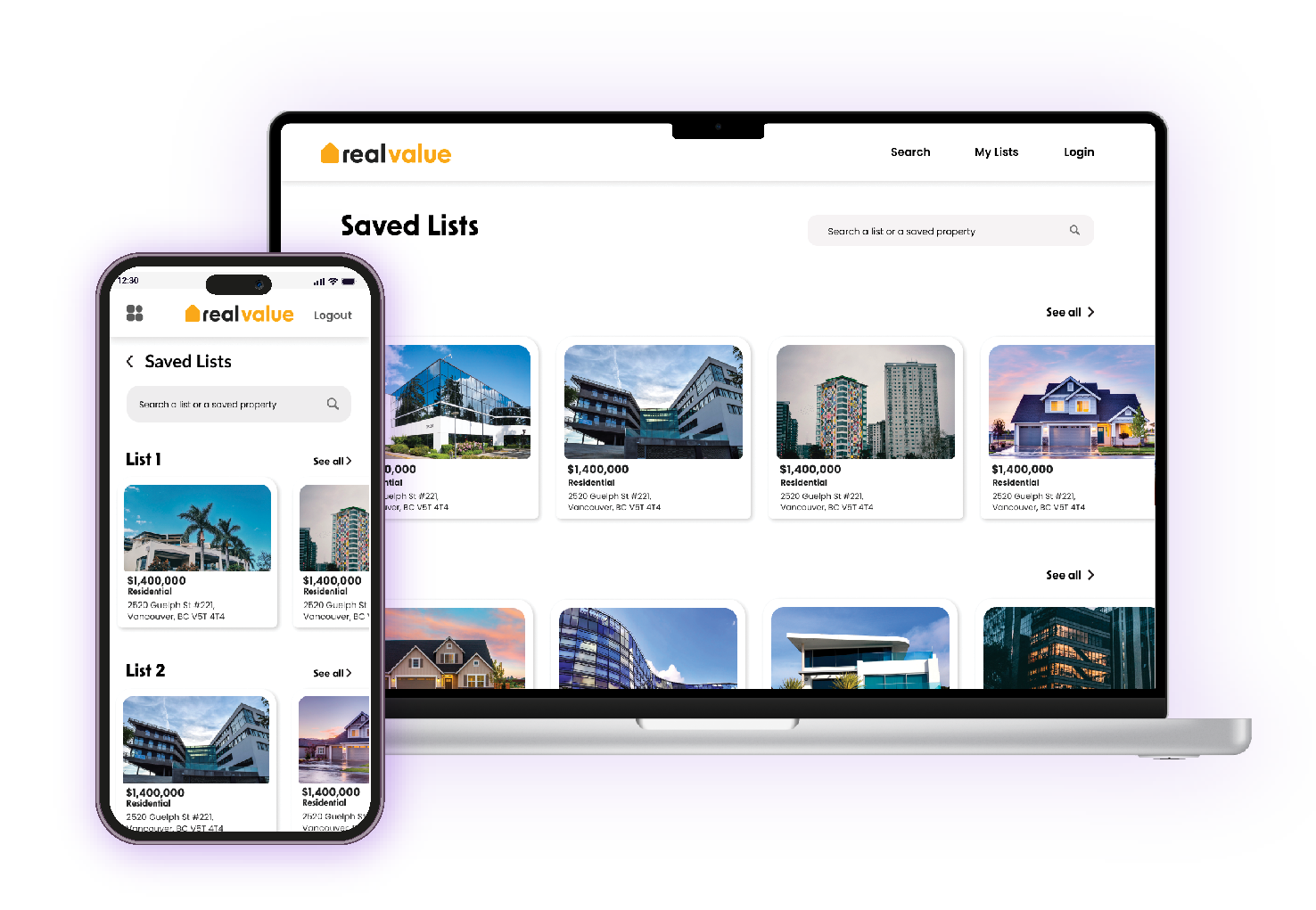
Not only the users will find the most important information about the properties, but also be able to store it conveniently for easy access afterwards in customizable lists where they can categorize and save the information they need for their clients.
3. Exporting The Information
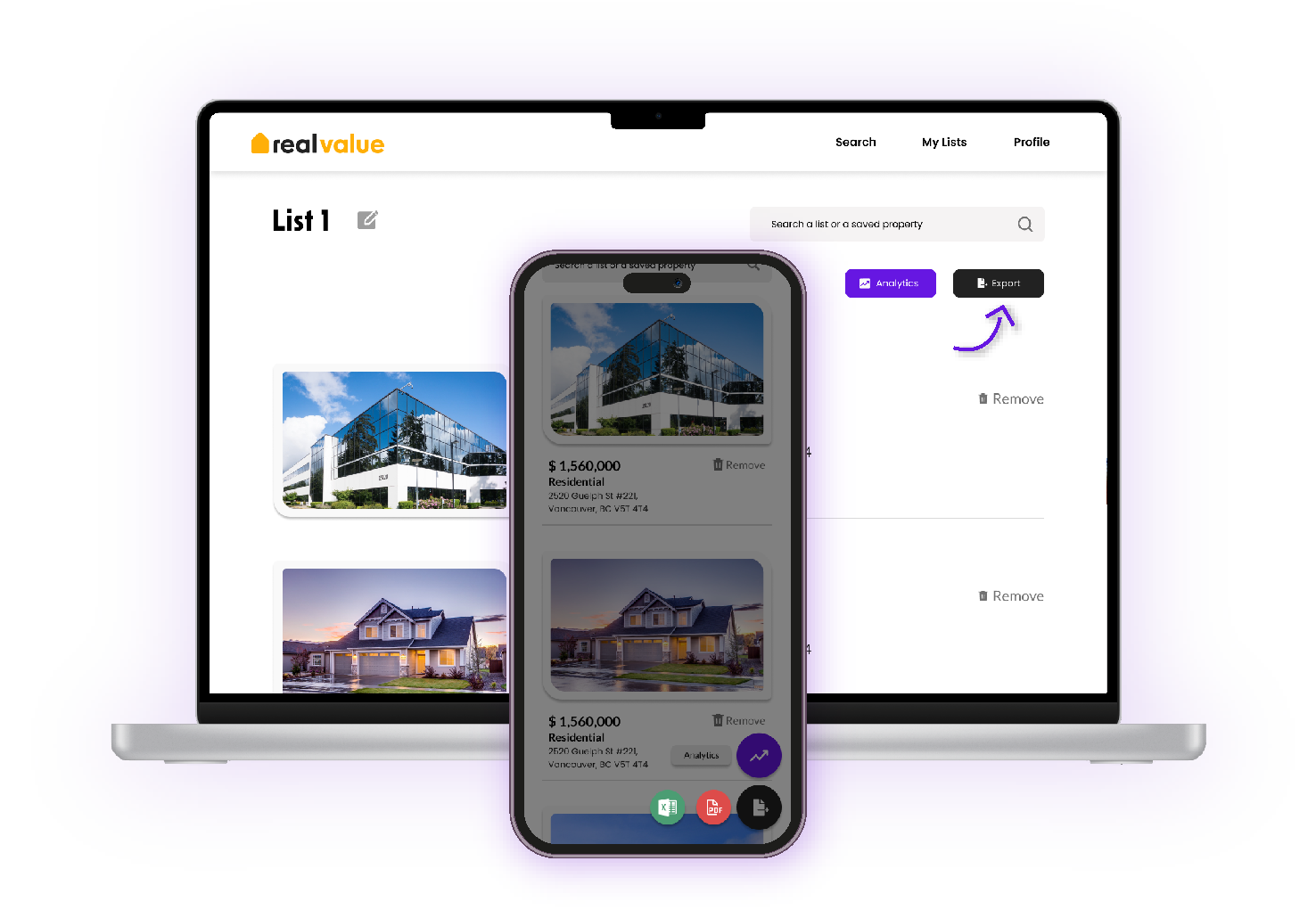
After finding and organizing the right information, our platform is able to export it in an organized way so that users can easily share it and save it where they find most convenient. Our goal is to be the all-in-one platform for real estate appraisers.
- UX Research -
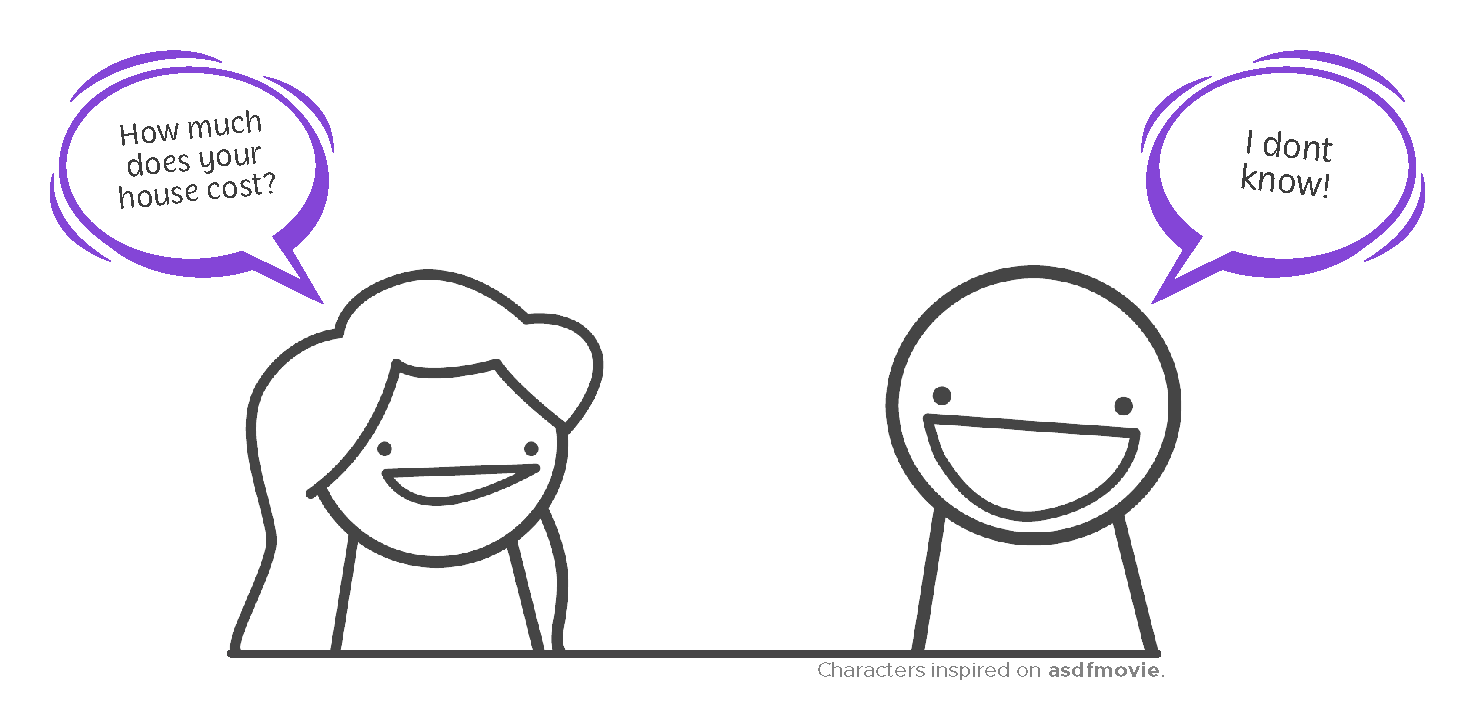
Knowing how much your property costs is hard. In fact, it's so hard that there is a whole profession dedicated to this - Real Estate Appraisal. A real estate appraiser's job is to do the proper research to set a specific value to their clients' properties. To do this, there is a complex research process that takes from five hours, to even weeks according to most professionals.
The research stage is by far the most time-consuming step in any appraisal process...
But it doesn't have to be like that.
User Personas
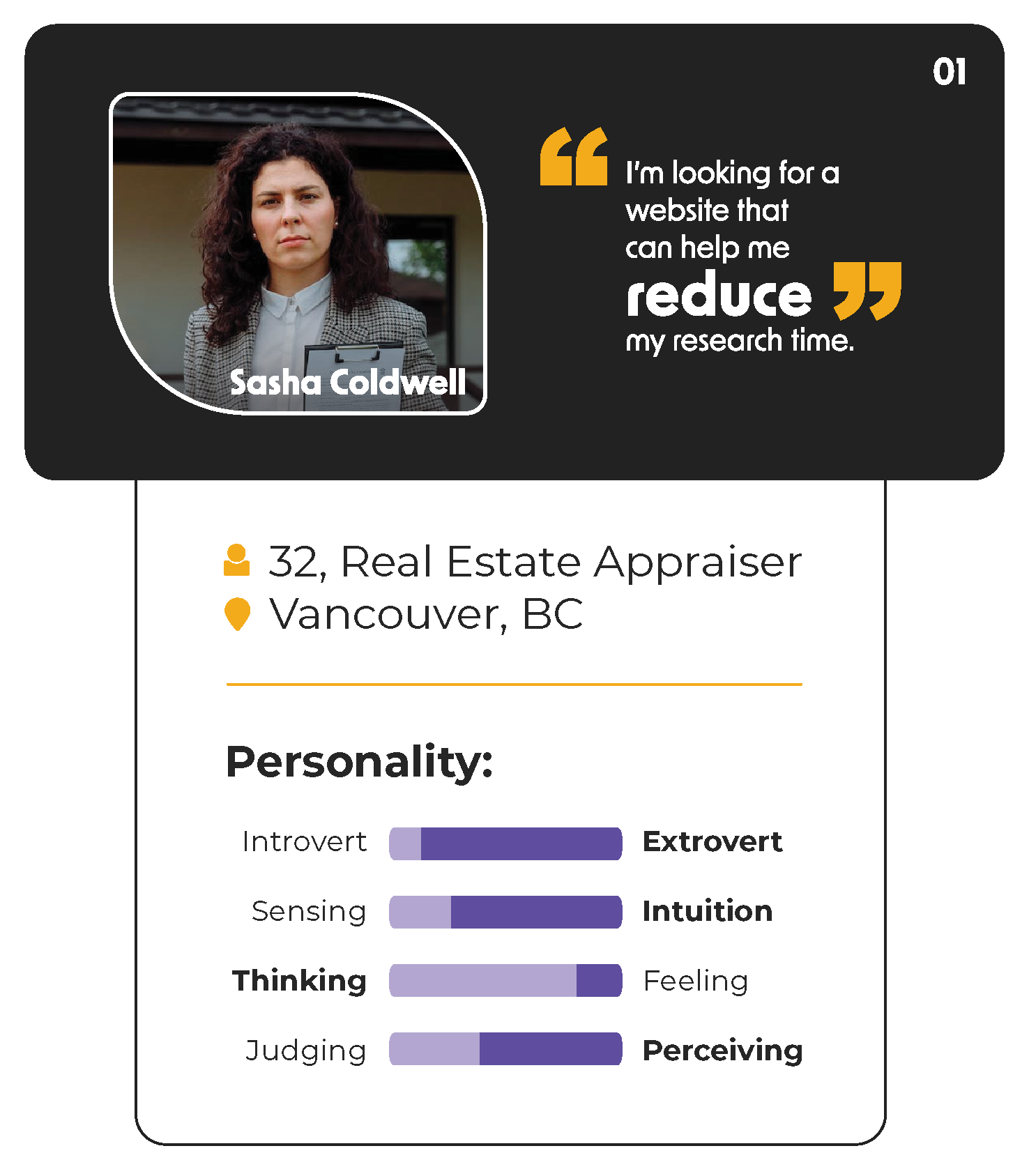
Sasha has five years of experience in the Real Estate industry. She is accurate, analytical, and understands the importance of technology. Aside from funning around the city to inspect properties that are up for appraisal, she spends the day researching and analyzing the property value trends that are hot in the moment.
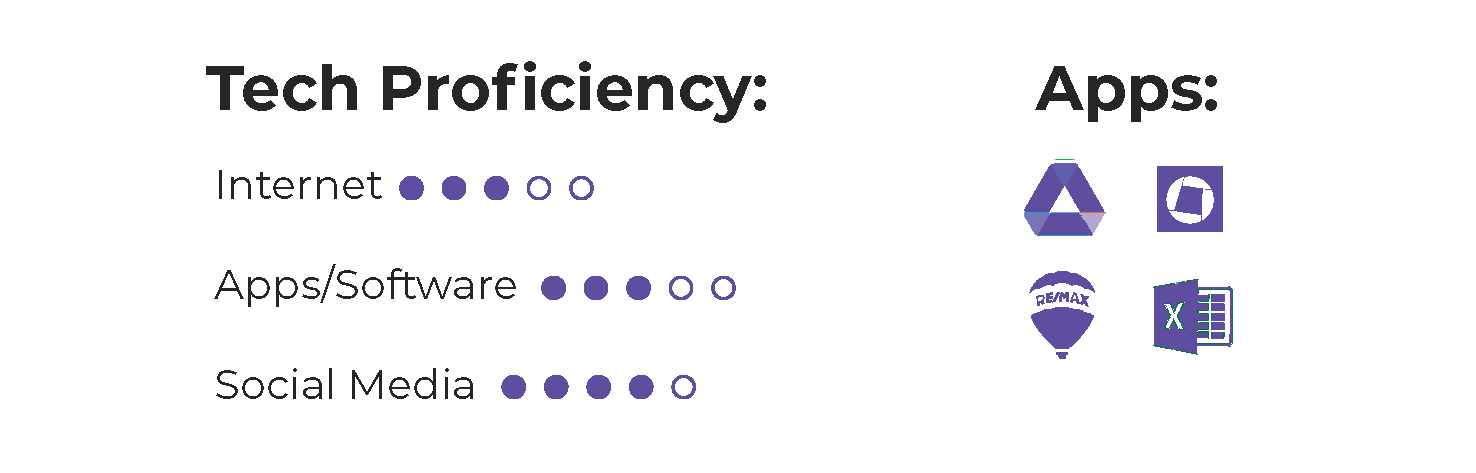
Goals
To reduce the time she spends on research.
To be able to understand the information quick and easy.
To have an all-in-one tool that helps her with her appraisal tasks, having all the information in one place.
Frustrations
Because all the information and resources can be found on separate platforms, she has a hard time organizing all the documents needed for the appraisal process.
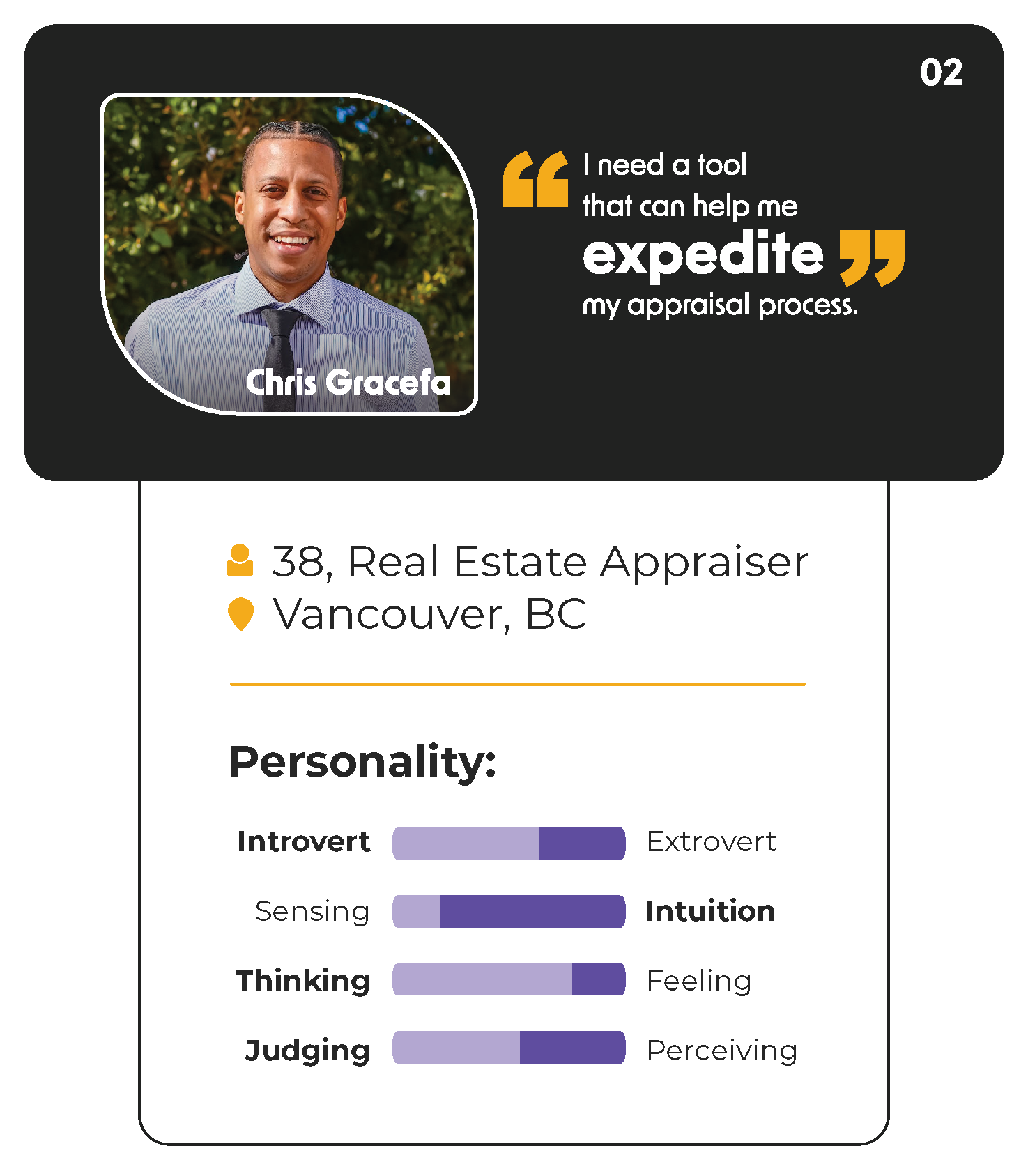
Chris is a Pro Real Estate Appraiser. He has strong, analytical and observational skills and usually follows the current market trends. Good time management is crucial for him in order to be efficient in his performance when handling multiple clients.
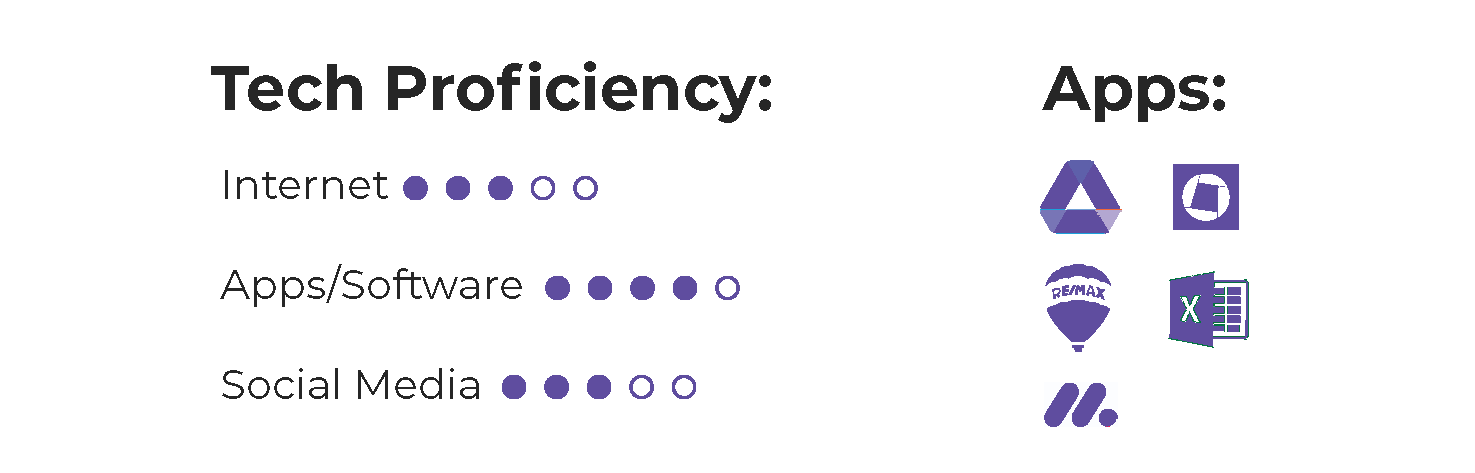
Goals
To be effortlessly updated with the current trends of real estate in a specific location.
To spend less time in research and creating reports.
To be able to interpret the collected data at first glance.
Frustrations
He usually spends hours producing appraisal reports and setting the value of properties. During the entire process, he uses more than five different resources to create the reports, which he finds tedious.
Real Value's Main Features
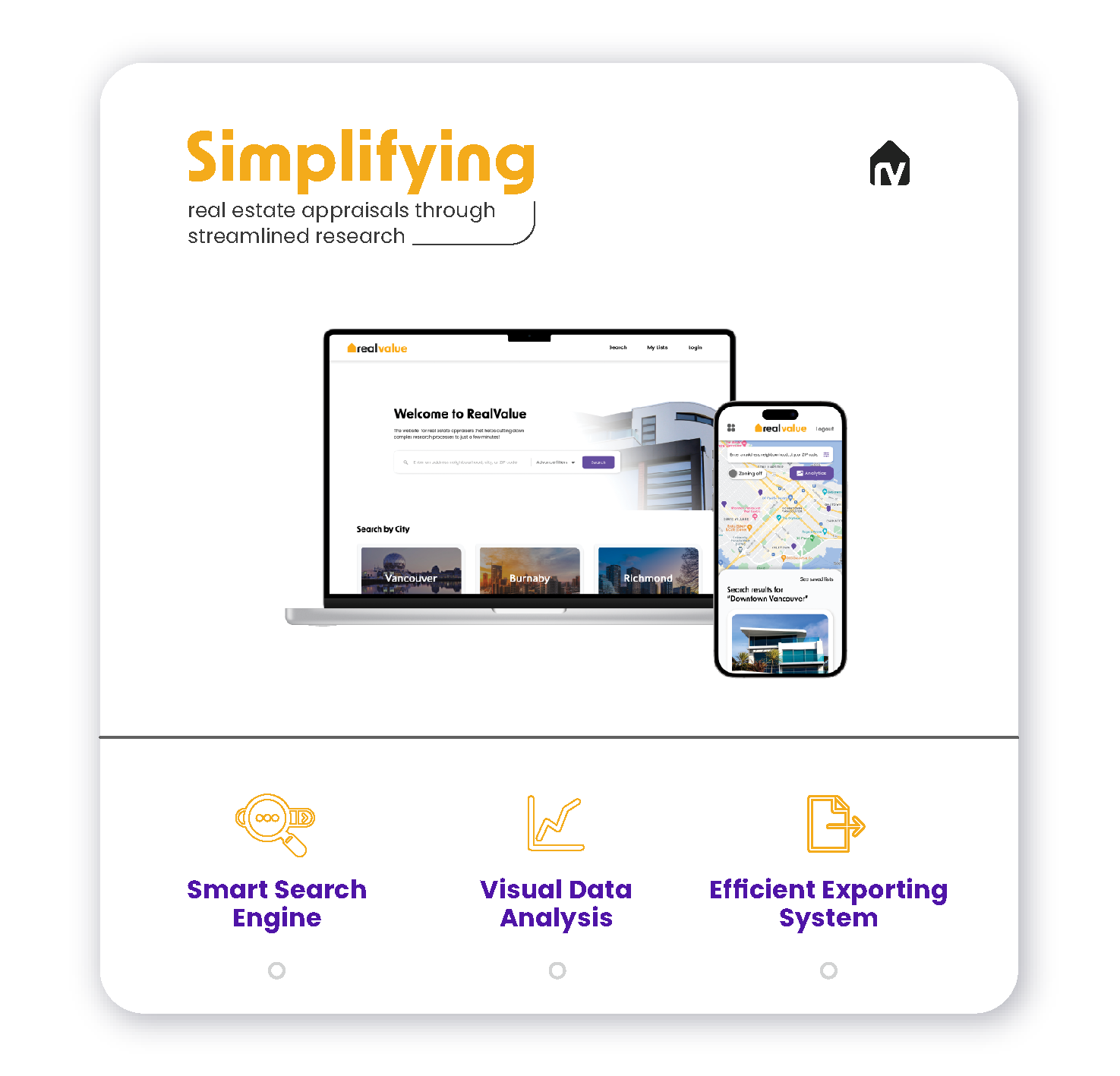
After understanding the market and our users, we carefully designed our main features, always keeping as a focus the time-saving factor. Real Value's three main features ensure that Real Estate Appraisals will have a seamless research stage when doing appraisals for their clients.

Competitor Analysis
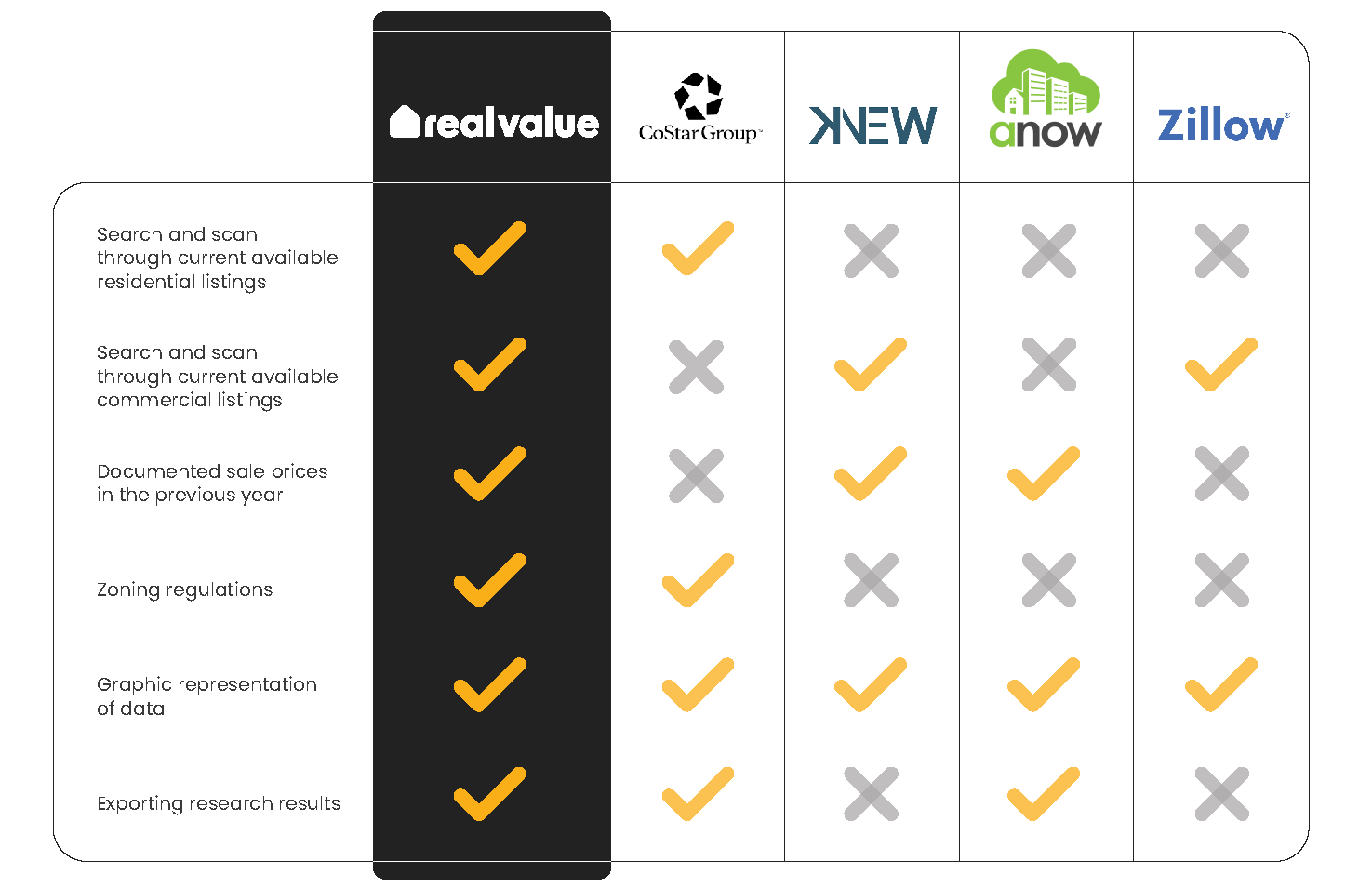
Real Value focuses on providing the most relevant information through an efficient all-in-one platform for appraisers to have their data stored convinientely for both residential and commercial properties.
Our project's goal was to provide the appraisers with the ultimate tool for the real estate appraisal research process.
- Brand & UI Design -
Brand - Concept
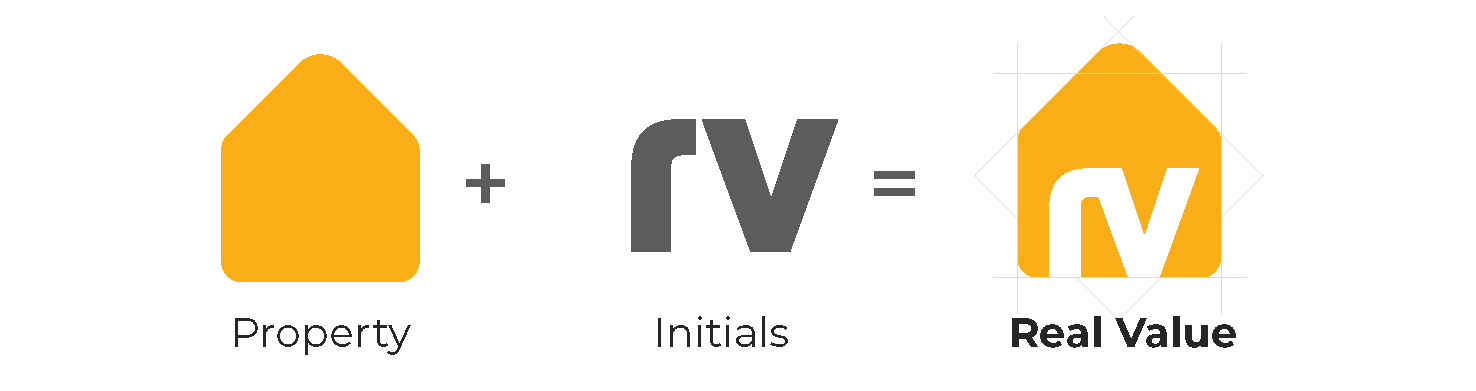
We took the typical house icon that we all recognize and added Real Value's initials so the users could easily relate our brand with real estate.
Brand - Wordmark

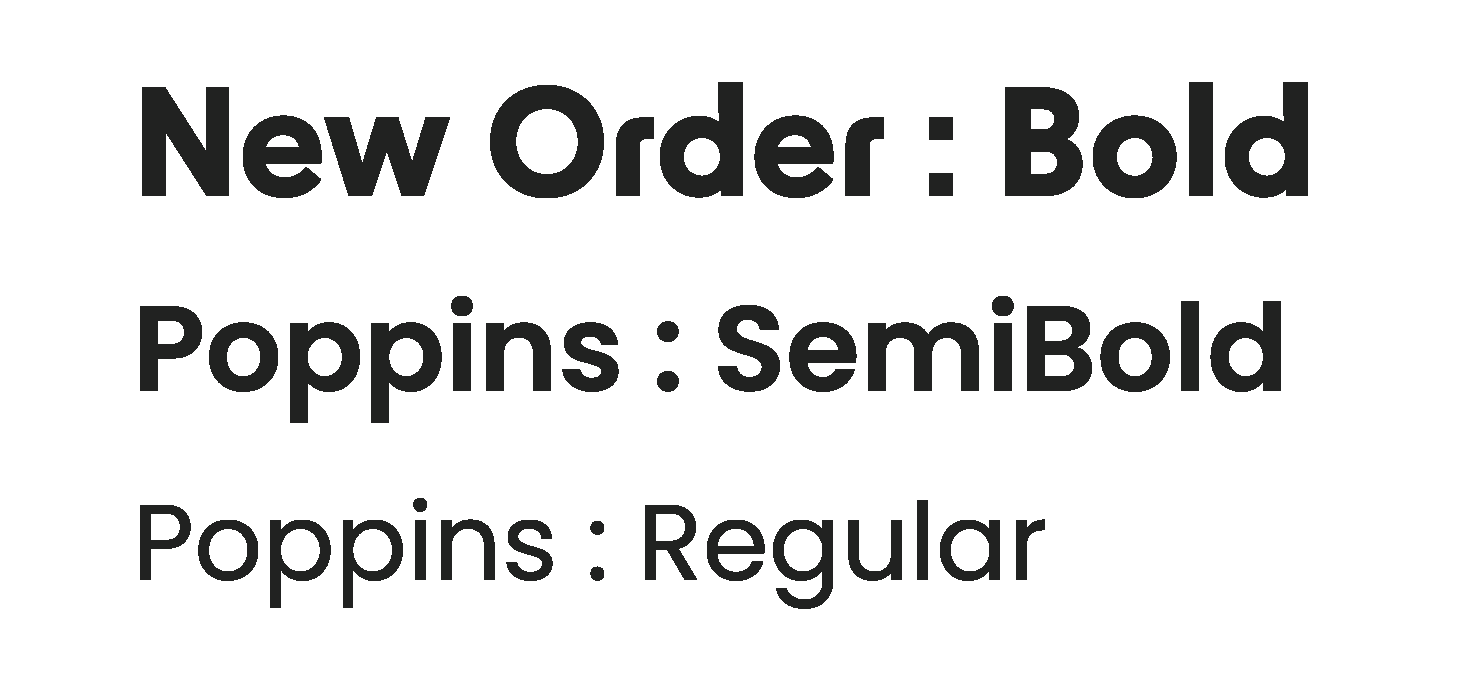
The typography New Order helps us communicate a sober, serious, yet modern concept to the viewer, which helps our brand to be perceived as trustworthy and reliable.
Brand - Colour Variations

We made sure our logo looks good on every colour, making it easy to place into any context!
Brand - Colour Palette
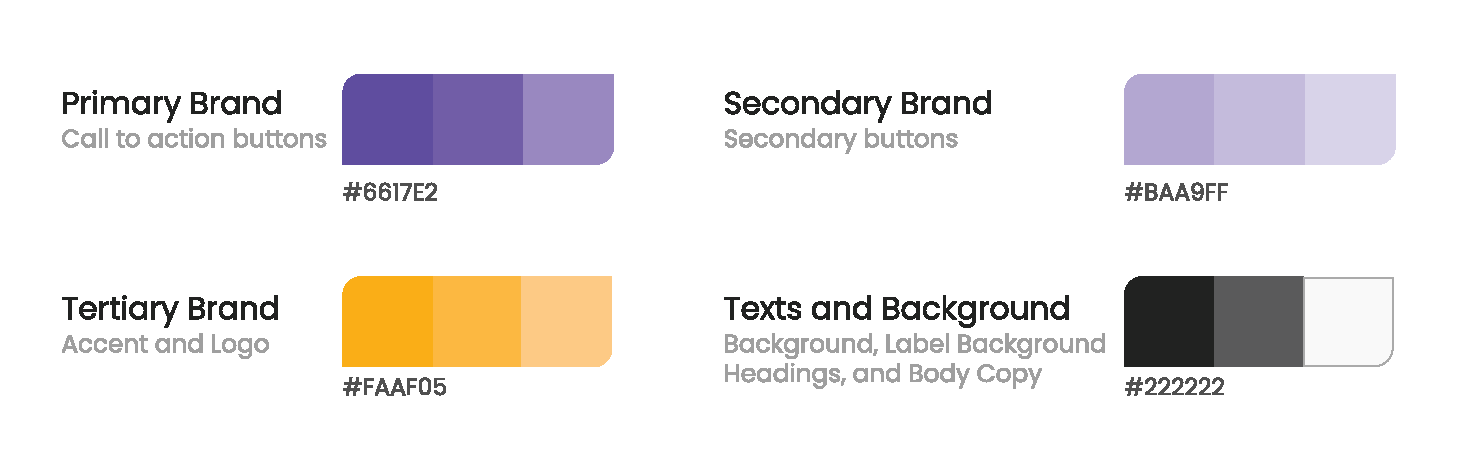
We chose purple an yellow for the excellent contrast between them, and because using vibrant colours help our users distinguish calls to action and next steps intuitively. Plus, it adds a lively feel to the app!
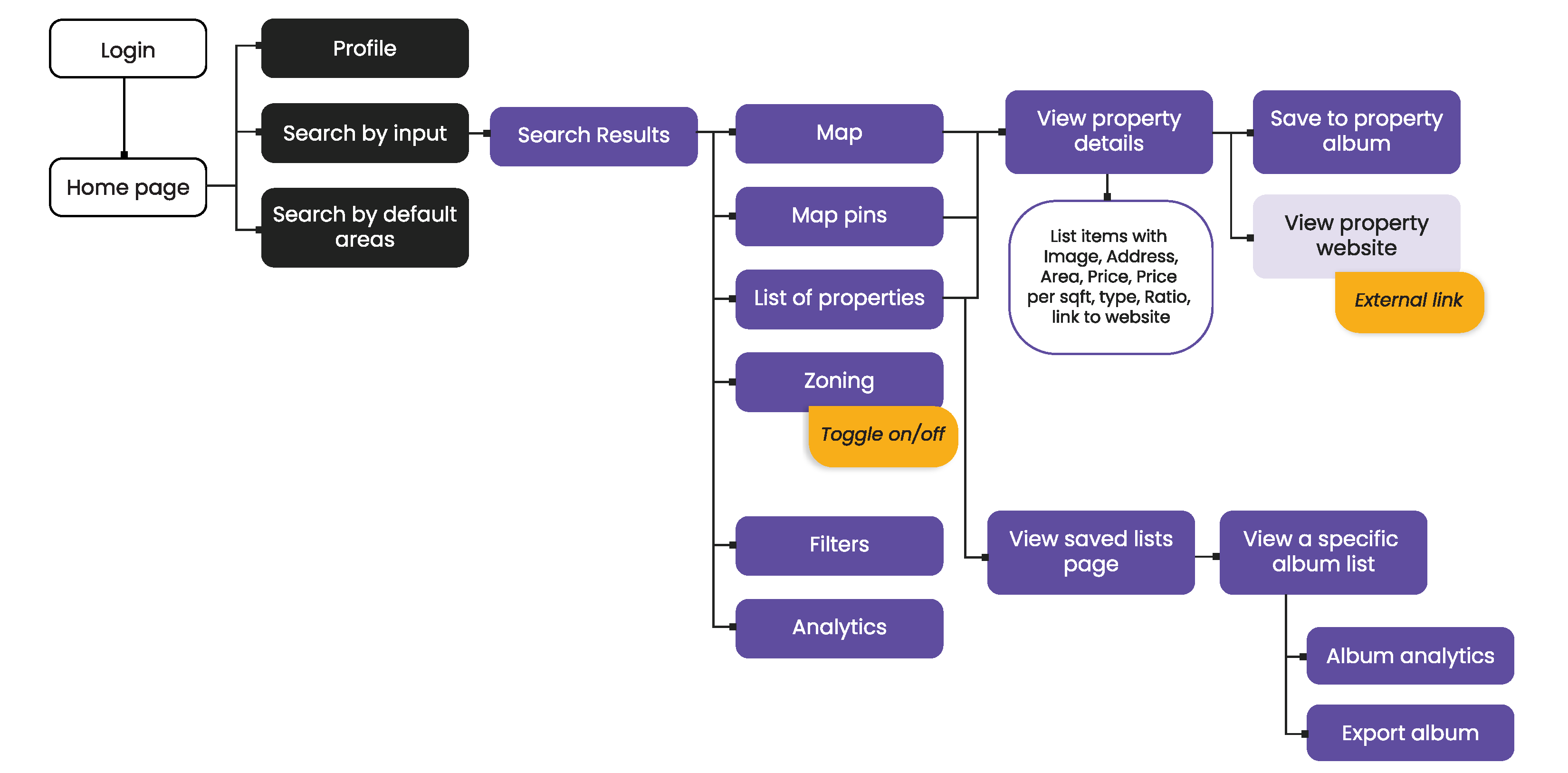
Sitemap
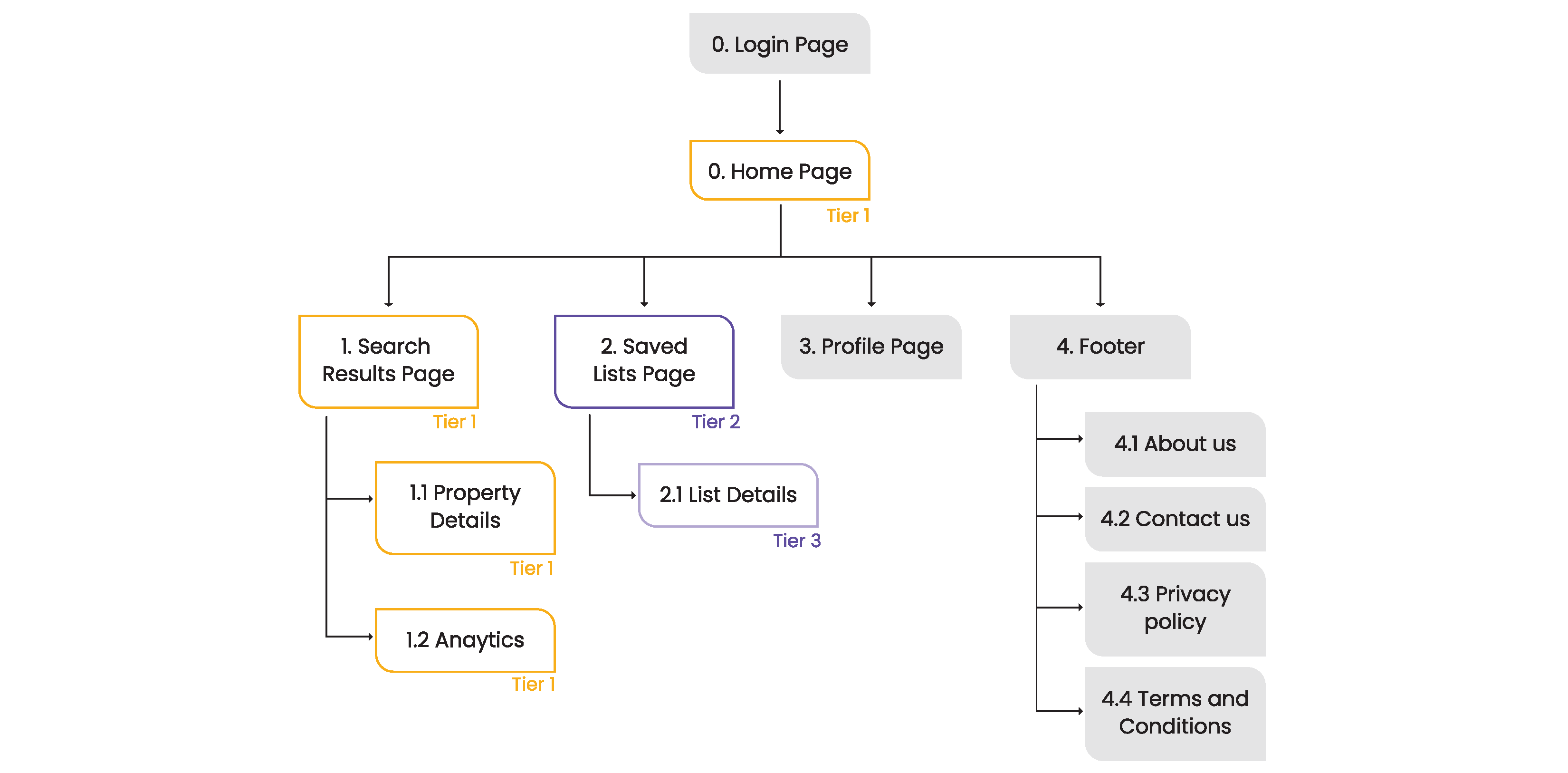
User Flow
UI Kit - Typography
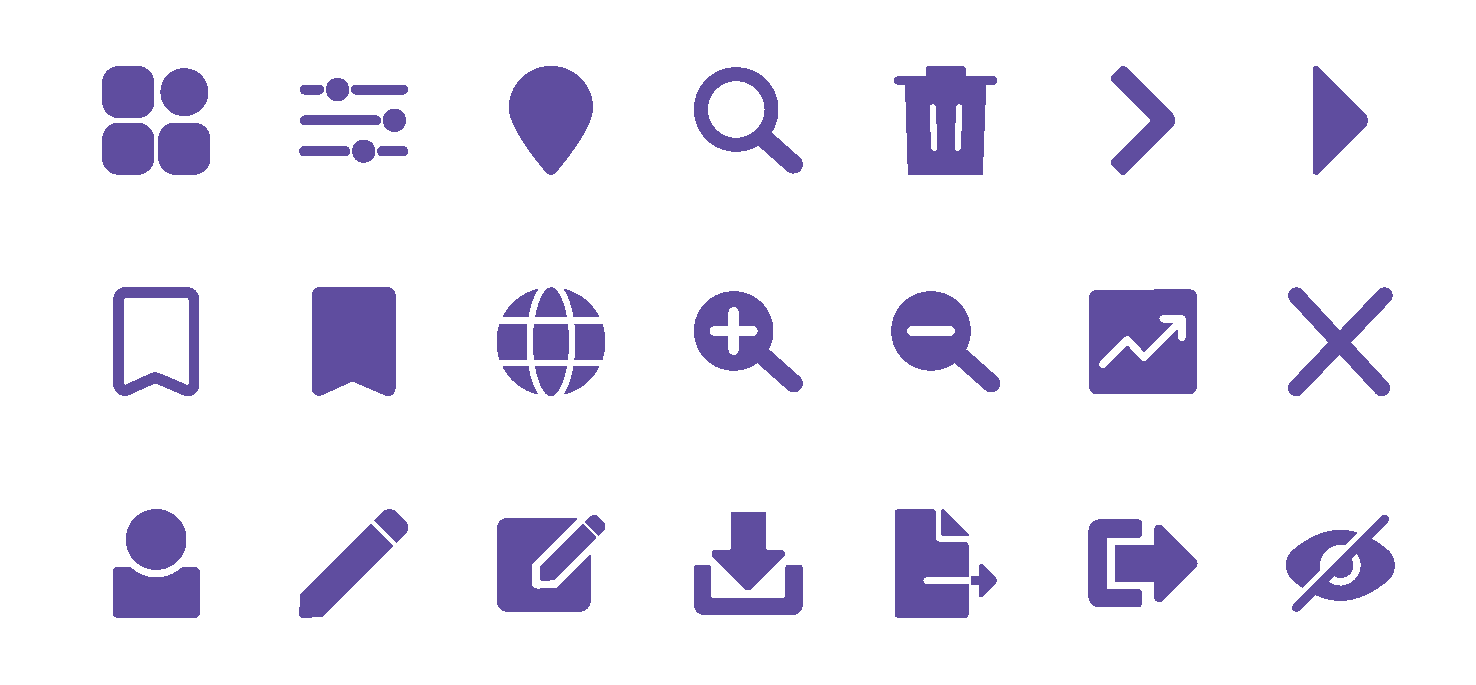
UI Kit - Icon Family
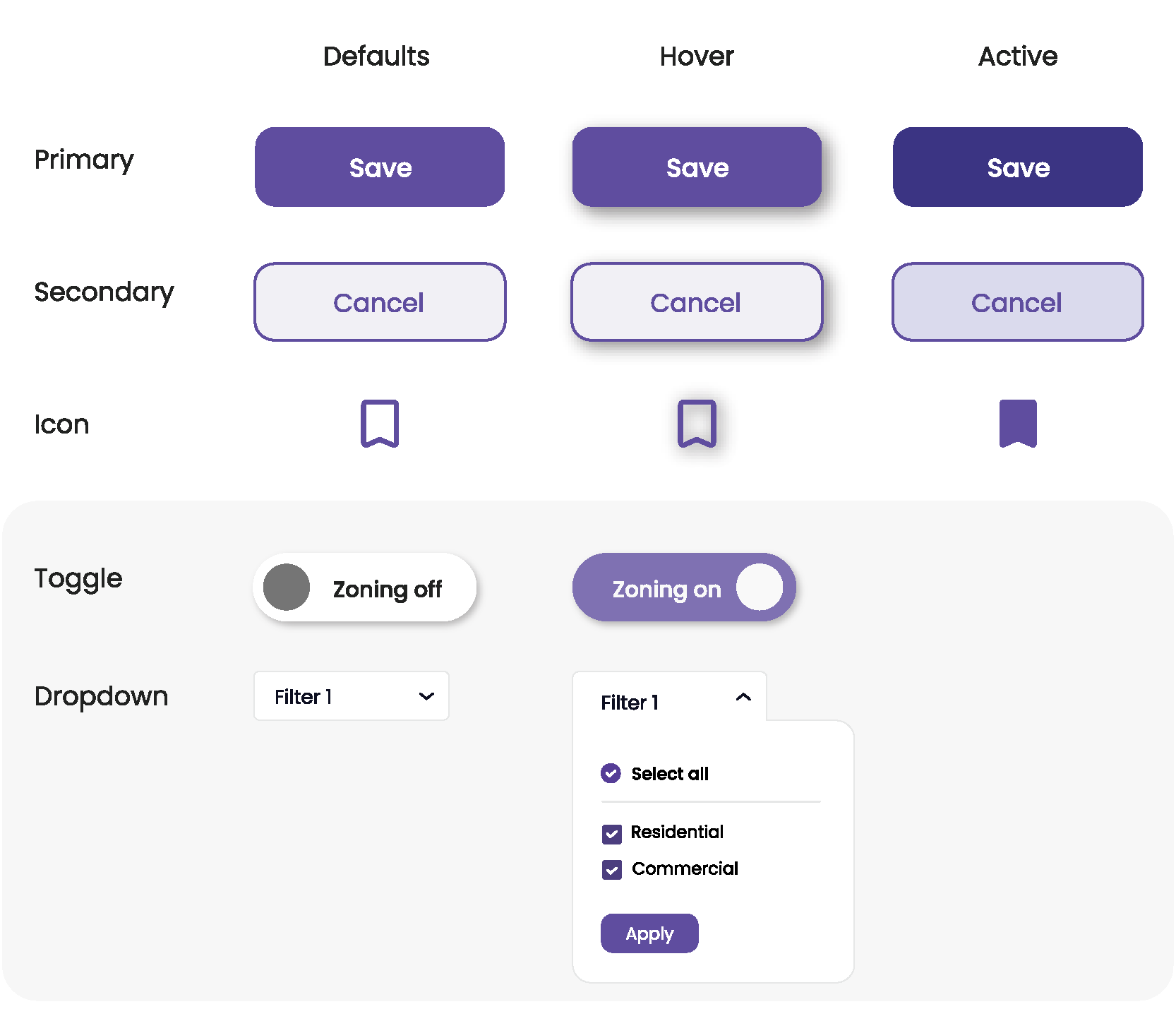
UI Kit - Buttons
Low & High-Fidelity Wireframes

- Photography -
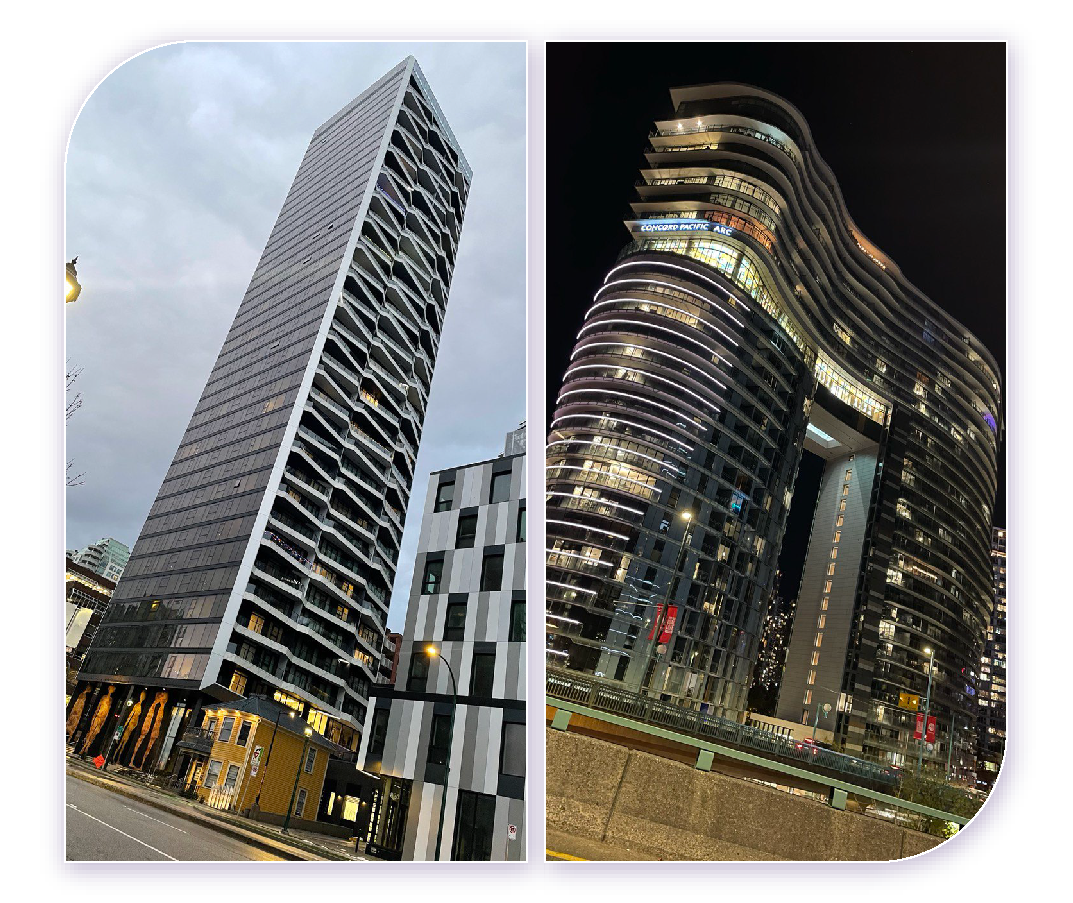
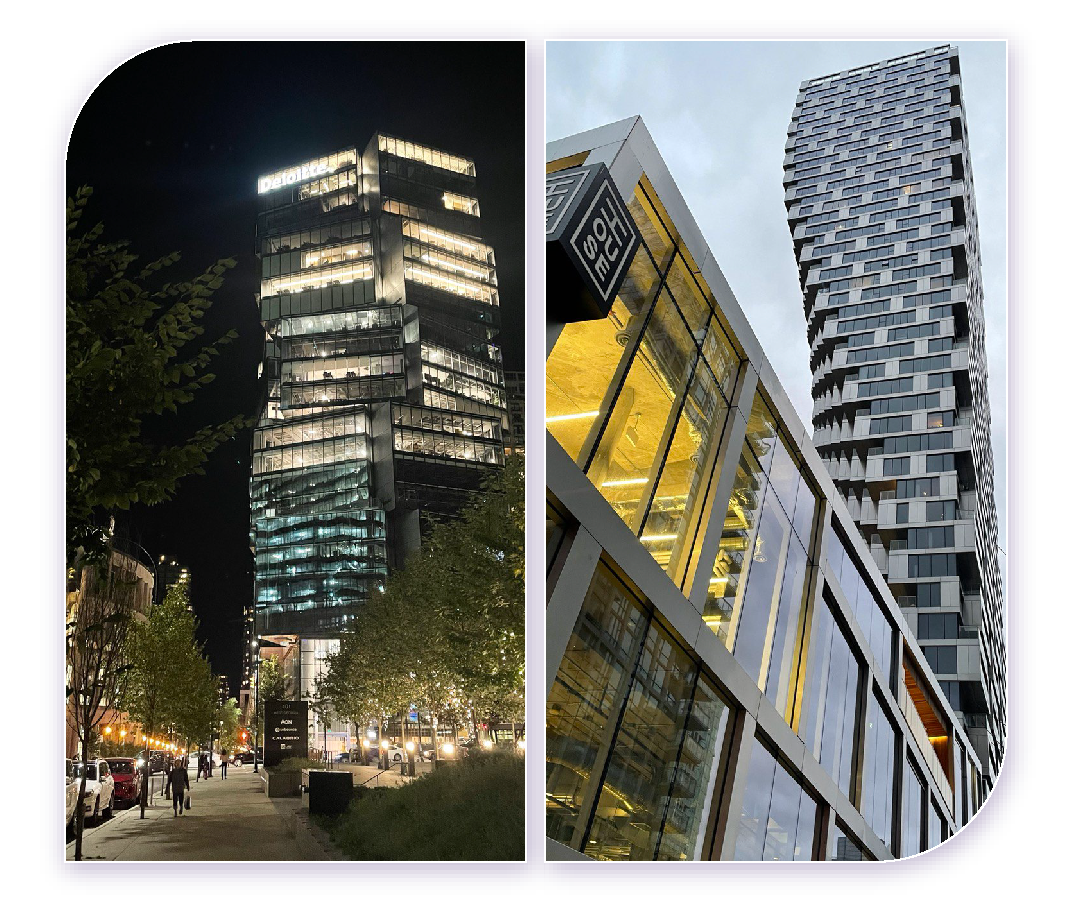
Since the project is in the Real Estate industry sector, what better images to include in the proposal document than actual buildings from the Vancouver area?
I thought that too! So I took my iPhone and I traveled through downtown taking pictures of the buildings I found most beautiful. These are my pictures:

Proposal Document
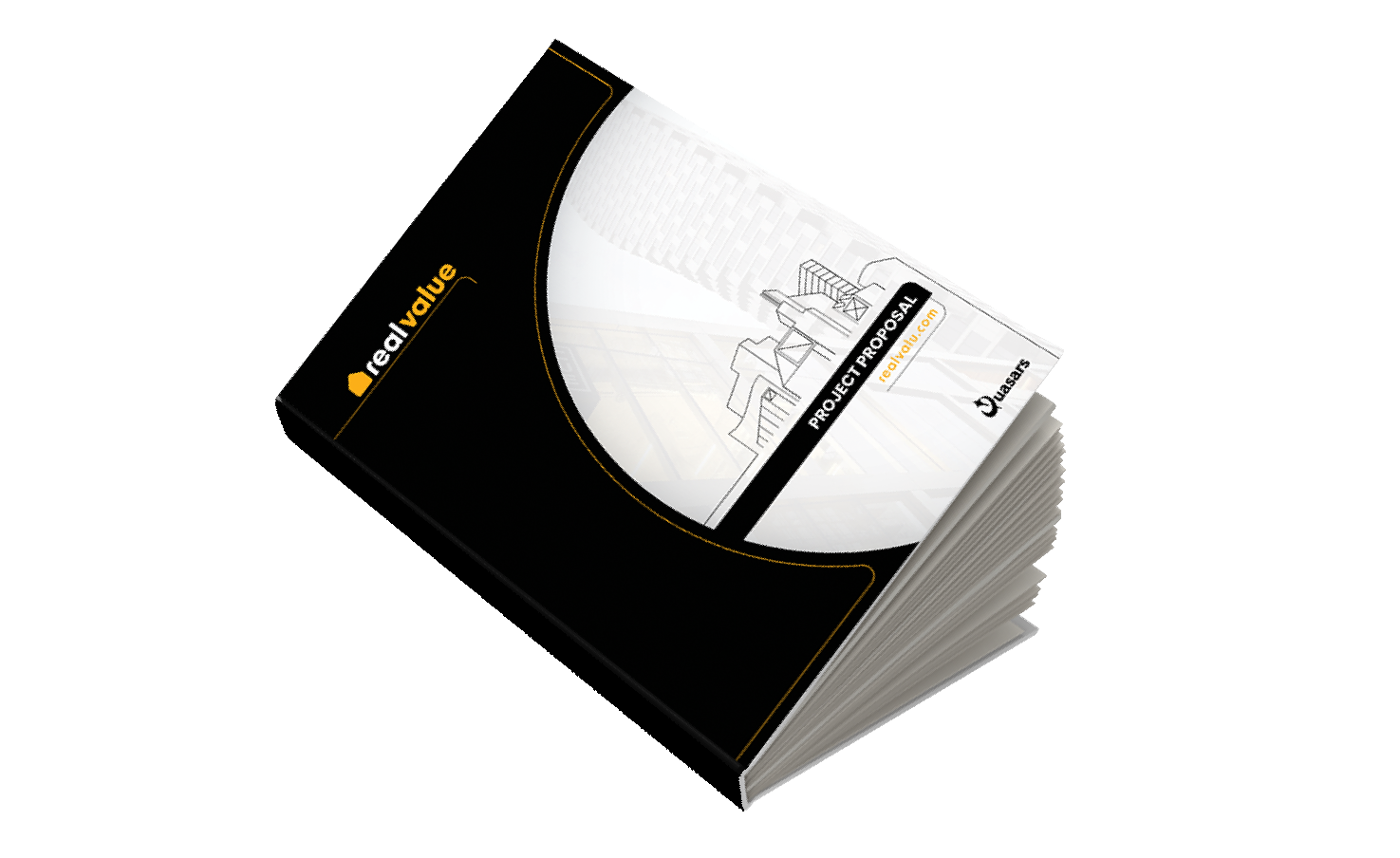
I created the project's proposal document, highlighting the design process and result of the project. The entire layout was designed by me.
Click the book above to check it out!
Project Presentation
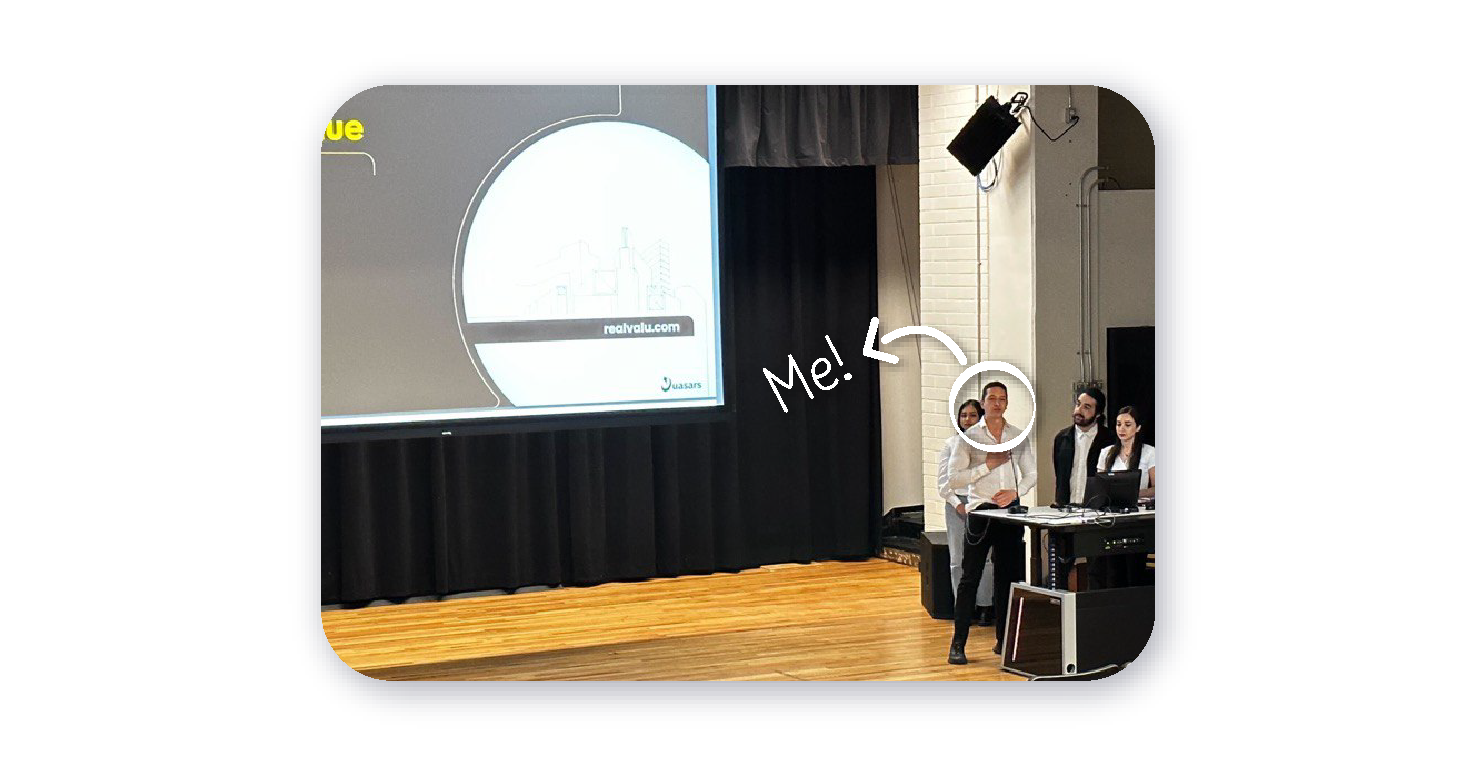
The MVP of the project was presented in a Langara theatre. I created the final presentation deck and I presented it with two more team members. I opened the presentation explaining the market opportunity and our app's features, a developer from the team went through the live demo, another designer from the team explained the UX and UI elements, and I closed mentioning the business strategy and doing the team introduction.
Project Management
I also took the role of project manager of the team, making sure everyone was up to date on every stage of the project so we could be on time with the weekly deliverables set in the schedule. We took the Agile approach and used Trello.